Toons Week begins! Learn how to make your own Toon in three easy steps.
Hey, guess what. It’s Toons Week! What does that mean? Well, it means we’re rolling out some cool stuff for your enjoyment, and maybe, just maybe, we’ll even have some special Toons related announcements later.
But first – we want to give you a chance to express your creativity – Toons style!
Maybe you’ve seen Angry Birds Toons, and you’ve been like, “I totally wish I could make my own episode of Angry Birds Toons. Someone should create a website where I could add subtitles to classic Toons scenes and make my own stories. It would be simple. No more than three steps:
Step 1
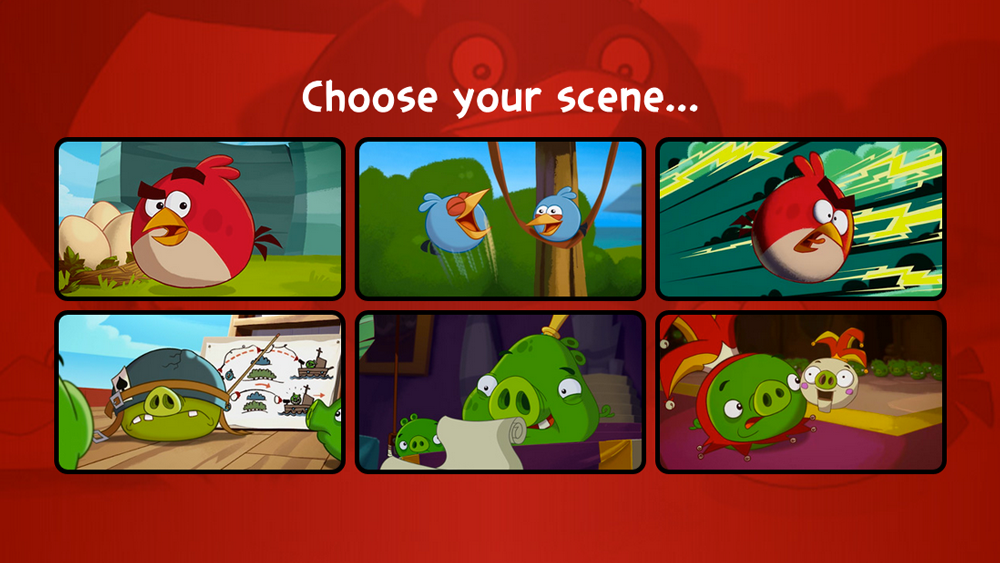
“Right, first I could go to a URL, say http://create.toons.tv/, and once I click to start, I could pick from like six scenes with different action happening in them.
Step 2
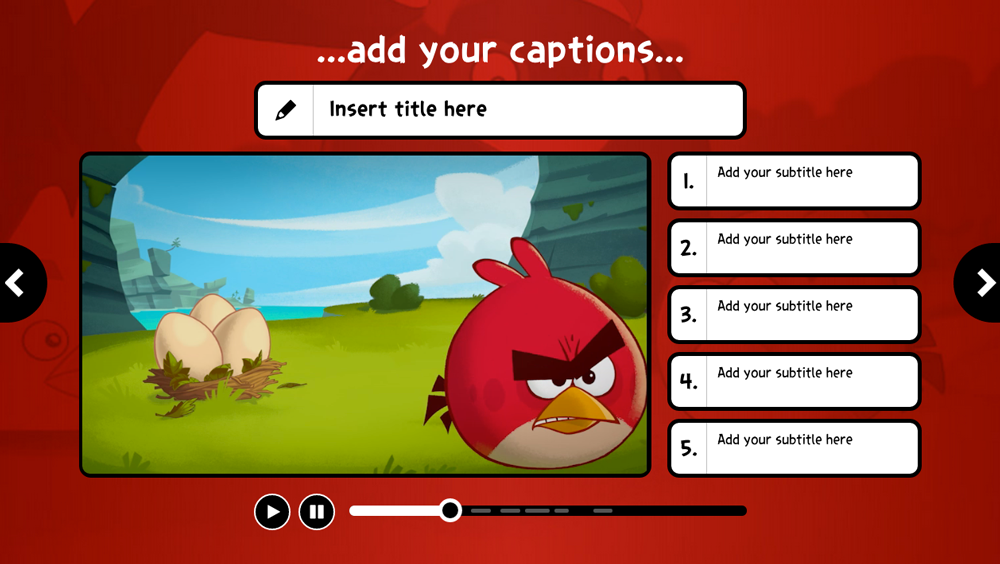
“Next, I could add a title at the top of the screen, and add subtitles at the right of the screen. Maybe there would even be a progress bar below the video that shows where the subtitles would go. That would be really handy. When I’m done I could just click an arrow on the right side of the screen to go to the next step, or something like that.
Step 3
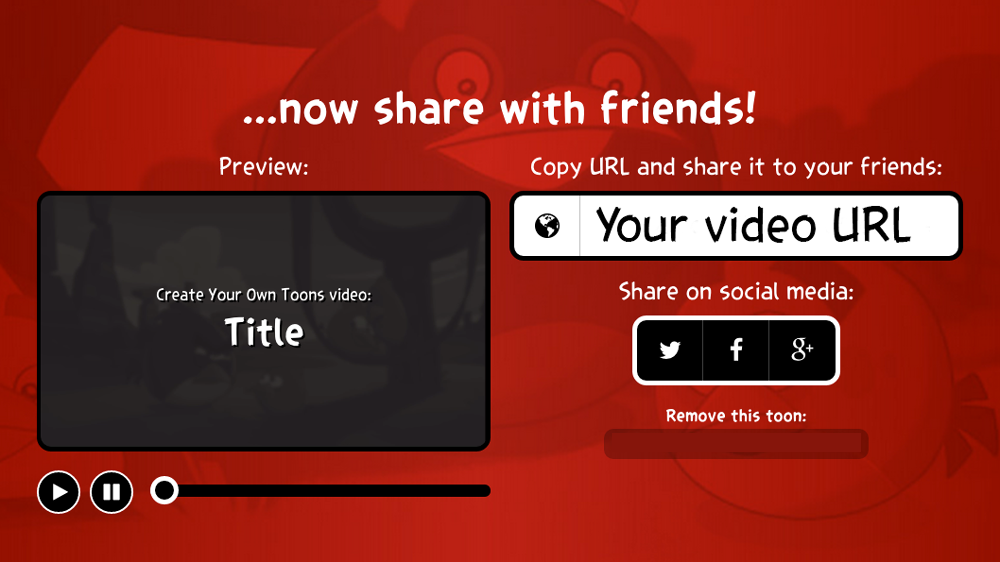
“Once I’ve added the subtitles, I should definitely be able to copy the URL for my newly-created masterpiece so I can share it with my friends. Also, there should be links to share my video on Twitter, Facebook, and Google +.
“That would be really cool.”
Whoa. You’re not going to believe this, but we’ve thought the same exact thing. That’s just weird. GET OUT OF OUR HEADS! Where did you even get those screenshots?
But seriously, you can now start making your own Angry Birds Toon here! I would go through the steps of how to do it, but it looks like you have a pretty good idea how it goes. Just bizarre…
Happy Toons Week friends! Check back to this blog, and Angry Birds Twitter and Facebook for more Toonerific info, and maybe, maaaaaaaaybe, special announcements. Unless you know all of that stuff already too. Sheesh.

The Angry Birds Movie 2 comes to US theaters tomorrow, but who wants to wait that long?! Good news: you can get into the movie mood right now with a new batch of Angry Birds Movie 2 events in your favorite Angry Birds games! Prime the hype engine with the trailer for The Angry Birds […]